
docspawn docspawn
Book a demo
For HVAC teams

HVAC service reports, from your exact form

Upload the intervention report you already use. AI detects the fields. Your techs fill it on site by phone or voice, the customer signs, and the finished PDF sends itself to the office.
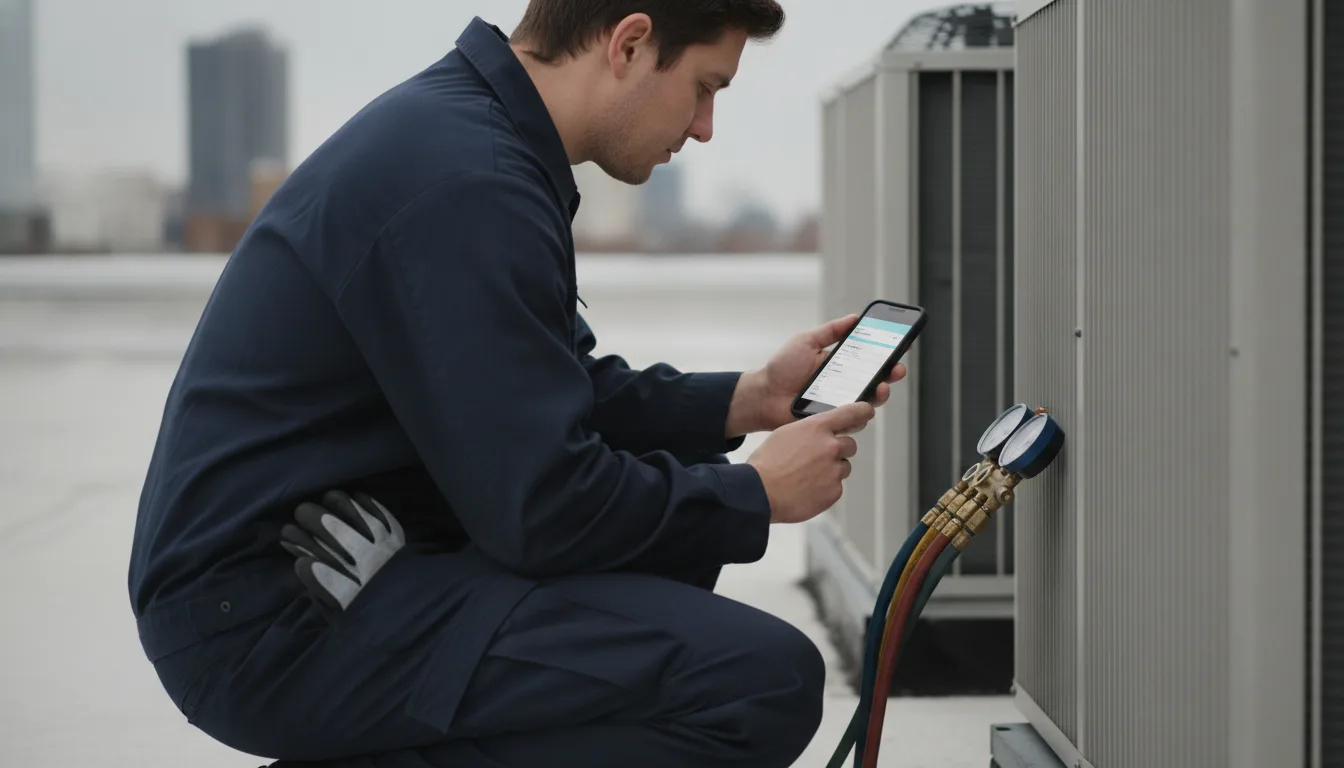
An HVAC technician kneeling beside rooftop condenser units with gauges connected, entering a service reading on a phone

The paperwork side of the trade, today.

The readings live on a carbon pad until Friday.

The office re-types what the tech wrote on the roof.

Every new report format means rebuilding a template from nothing.

Your documents, not our templates.

docspawn starts from your own PDF and keeps it pixel-accurate. These are the four an HVAC operation runs on.

Service and maintenance report
Start here
The one your techs fill after every visit. Checklist items for filters, coils and the condensate drain. Pressure and temperature readings. Refrigerant added, type and quantity. A photo of the nameplate. The customer's signature at the bottom, exactly where your form puts it.
Commissioning report
For new installs. Equipment serial numbers, startup readings, test results, and the handover sign-off. Filled once, on site, finished before the ladder is back on the van.
Annual maintenance contract
Customer details, the equipment schedule, the visit plan. Send a link. The customer opens it on their phone, fills, and signs. No login, no app.
Quote acceptance
Send the quote by link. The client signs on their phone and the countersigned PDF comes back to you, filed in your library.

One rooftop unit, zero re-typing.

1
Upload your report once.
Drop in the service report PDF you already print. AI detects the fields: the checklist, the readings, the signature block. Your layout stays pixel-accurate.
2
The tech fills it on site.
They open a link on their phone. Readings go in by voice, both hands still on the manifold. The nameplate gets photographed straight into the report. A fault found? Conditional logic appends a photo proof page, only when needed. The customer signs on the phone.
3
The finished report sends itself.
A branded, pixel-accurate PDF lands in the customer's inbox and in your library before the van pulls away. Nobody at the office types a word of it.

Features, in HVAC terms

Voice capture
Dictate superheat, subcooling and pressures while your hands are busy. Web, mobile and voice, from one link.
Photos inside the document
Nameplate, filter, finished install. They land inside the report, not in a camera roll.
Conditional proof pages
The report adapts to the input and appends photo proof pages only when needed.
Signed on site
The customer signs on their phone or the tech's. Every report keeps an audit trail of who filled what, and when.
A library, not a folder
Filter every report by customer, tech or unit. Saved views, versions, and an audit trail.
Maintenance season in bulk
Generate the whole contract batch from a spreadsheet in one run.

Frequently asked questions

Do I have to rebuild my report in a template editor?

No. You upload your own PDF, the complex one with the tables and the checkbox grid, and AI detects the fields. The output matches your form, pixel-accurate.

Can techs fill reports from their phones?

Yes. They open a link, no app to install. Fields can be typed, ticked, photographed, or dictated by voice.

How does the customer sign?

On their own phone or the tech's, right on the form. Each report keeps an audit trail of who filled what, and when.

We send 200 maintenance reminders every spring. Can docspawn handle that?

Generate many documents from a spreadsheet in one run. Turn your customer table into the whole batch.

Your report, not ours.

Upload the form you already use and watch the fields light up. Every document after that takes seconds.

Upload your form

Also on docspawn: Field operations, Car rental, Fleet paperwork, Back office, Google Forms